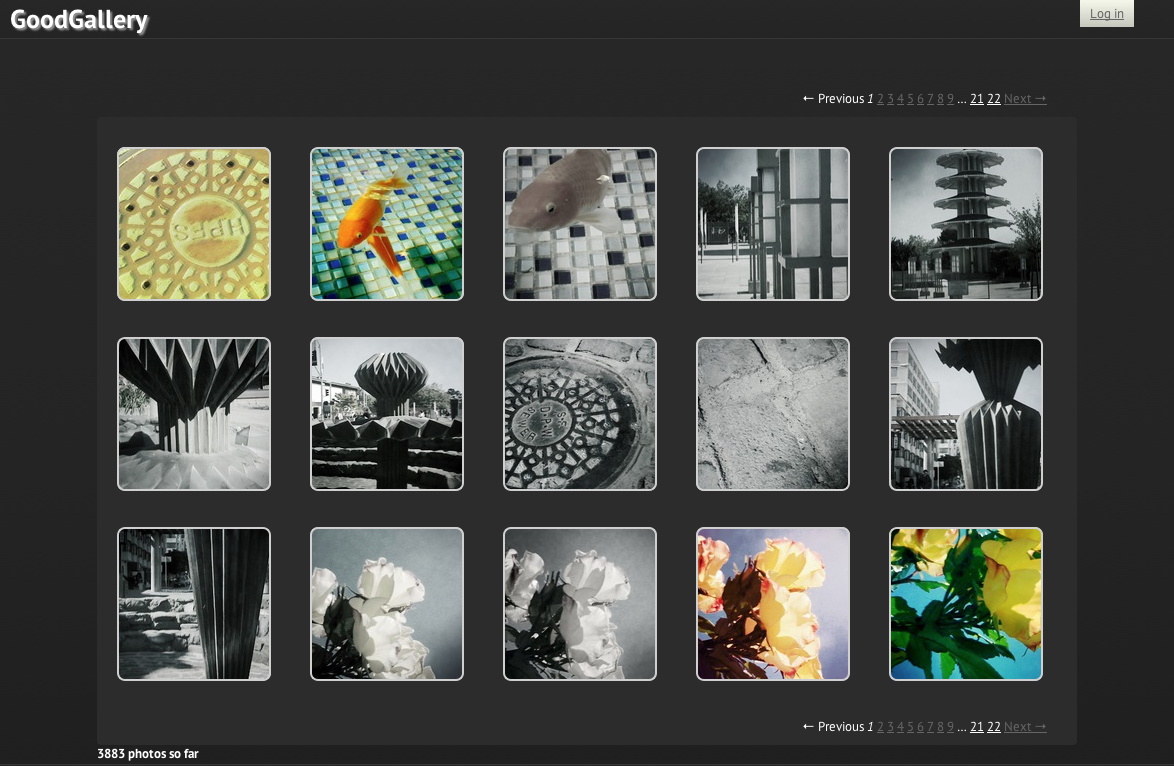
GoodGallery
GoodGallery provides serious and semi-professional photographers suffering from media overload a privacy-aware way to manage and share their visual lifestream without being bound to a third-party service.

GoodGallery provides serious and semi-professional photographers suffering from media overload a privacy-aware way to manage and share their visual lifestream without being bound to a third-party service.
Digital photography has revolutionized the way we image the world, drastically reducing the cost, physical storage, and the time it takes it takes from the click of the shutter to an image that can be viewed, printed, and shared. The significant reduction in cost-per-shot allows photographers to shoot far more liberally, opening up the potential for experimentation to a new class of semi-professional photographers. And the rich EXIF data embedded in each photograph makes it possible for an image to communicate even more than simply what you see in the photo frame: sharing the location or time of day a shot was taken, the camera model, lens, even focal length and shutter speed is possible without the detailed notetaking required when shooting with film.
However, the same benefits that make digital photography an awesome tool have also lead to a new burden – digital media overload. While commercially available service subscriptions and photo management products suit the needs of the average user, the needs of the serious amateur or semi-professional photographer are only marginally satisfied, and the realm of possibilities remains untapped.
Not every shot the user takes is worthy of being shown on the pages of National Geographic – there’s no question that an increased freedom to experiment also results in a greater risk that those experiments will end in failure. While storage space itself typically doesn’t pose a problem, when processing those images that they feel make the cut, photographers may end up with multiple copies of the same image – and in some cases, their entire photographic portfolio – scattered or duplicated across multiple locations on one or more hard drives or computers.
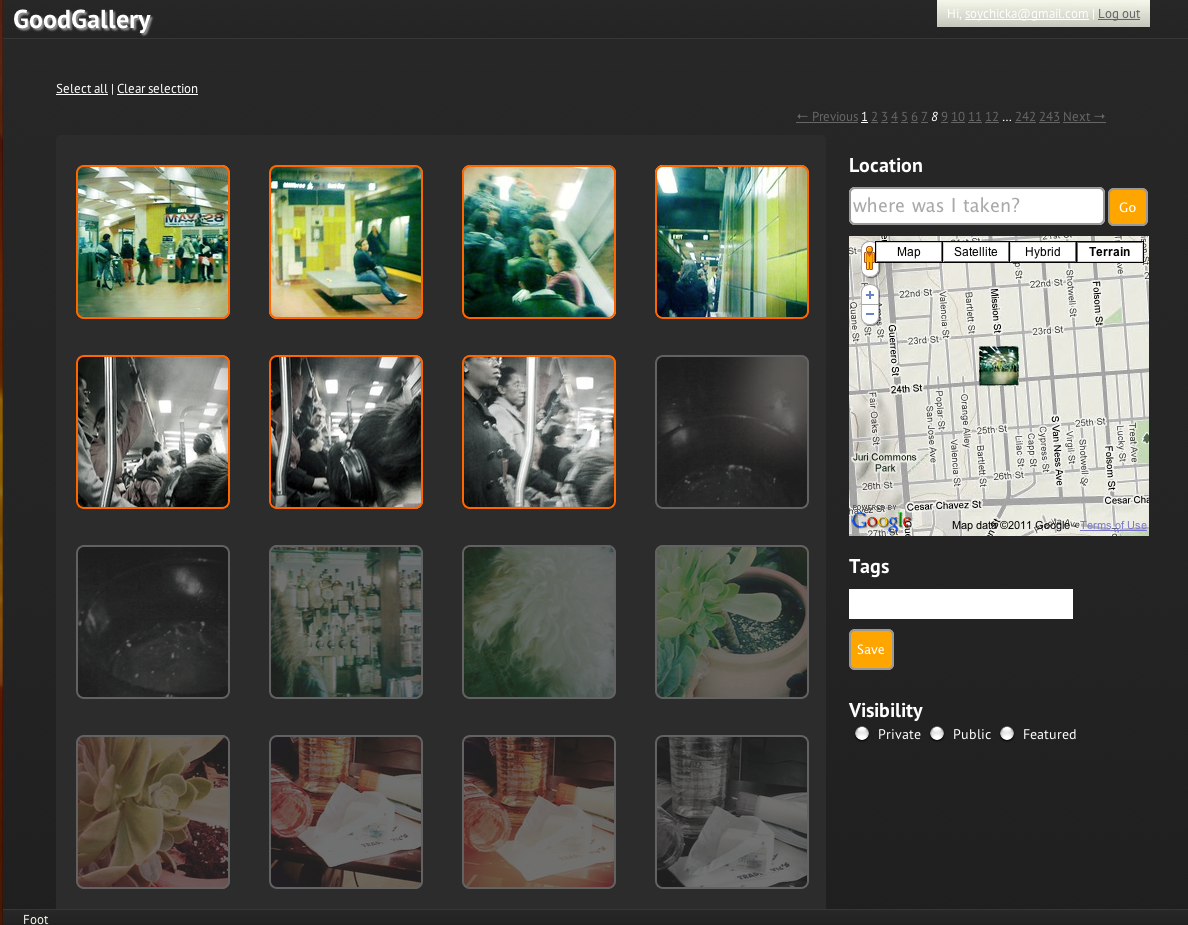
Batch edit location, tags and visibility
As digital photography is a relatively recent development in photographic technology, the work of a serious or semi-professional photographer most likely includes a slew of photographs taken with both digital and traditional media. While it is possible to scan prints, negatives or slides taken before the digital revolution, their digital representation is created without any of the relevant scene- or shot-based metadata, requiring that any relevant data is manually entered. As a result of the massive amount of time it consumes and the overwhelming tedium and drudgery associated with manual data-entry, it rarely is completed. And while some notable photo management services like Flickr may have hacks allowing you to work with your EXIF data for your photos, the EXIF data isn’t written to your image files, but instead stored in a the service’s database, binding you to a service in order to retain your data.
This issue brings up even greater concerns regarding the use of commercial services. Aside from a lack of data portability, relying on a service provider to serve as the sole repository for your photographic portfolio and associated data can lead to disastrous consequences, including a total loss of your entire portfolio.
So how can photographers manage their visual lifestream in a way that allows them to share the photos they’re proud of, yet retain those mistakes they want to learn from?
GoodGallery provides serious and semi-professional photographers suffering from media overload a privacy-aware way to manage and share their visual lifestream without being bound to a third-party service.
GoodGallery was designed to work with heroku‘s web hosting, and allows you to store your images on a remote server via ftp transfer from the application or using Amazon S3 hosting. Batch upload is currently available from the command line only, but a user-friendly way to transfer your files is in the works.
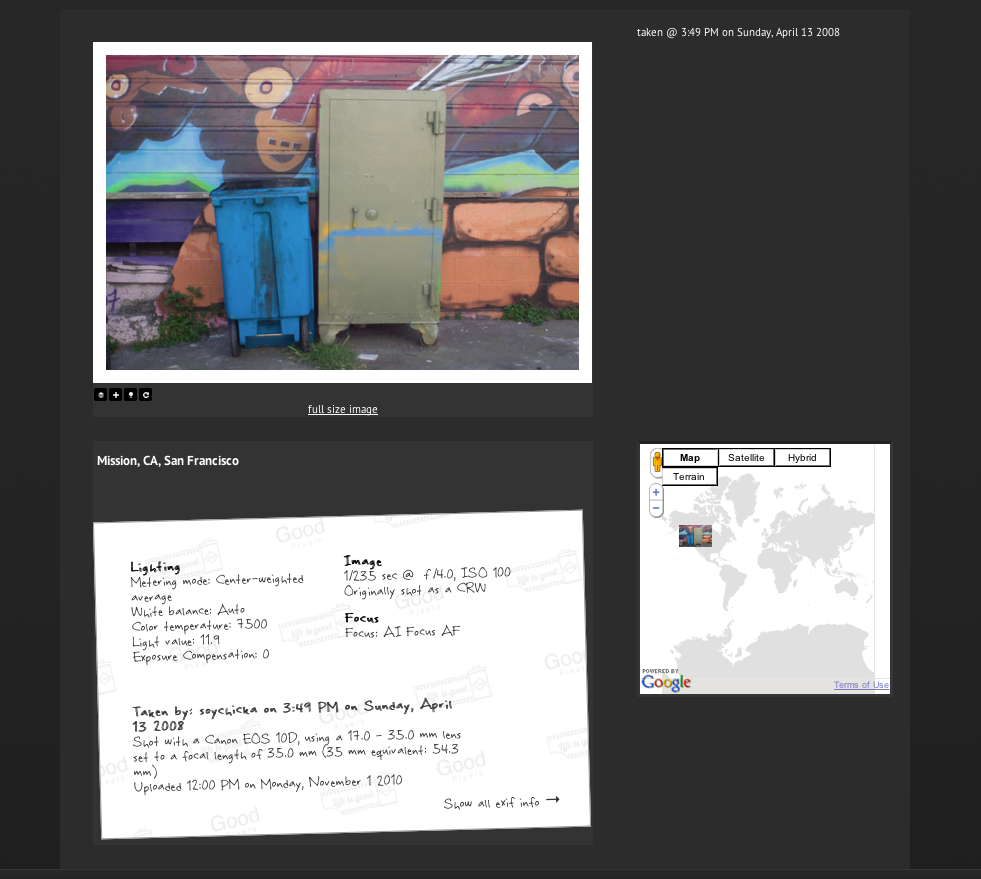
View individual photographs with EXIF data and location displayed in context
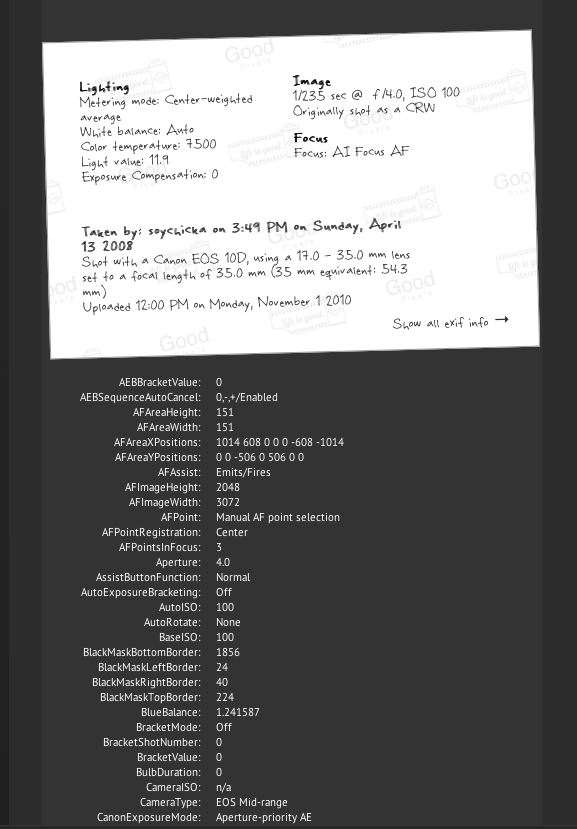
And view full exif data too.
Some of the features that make GoodGallery a better tool for managing massive quantities of digital images, especially adding location and other exif data to scanned photo libraries.

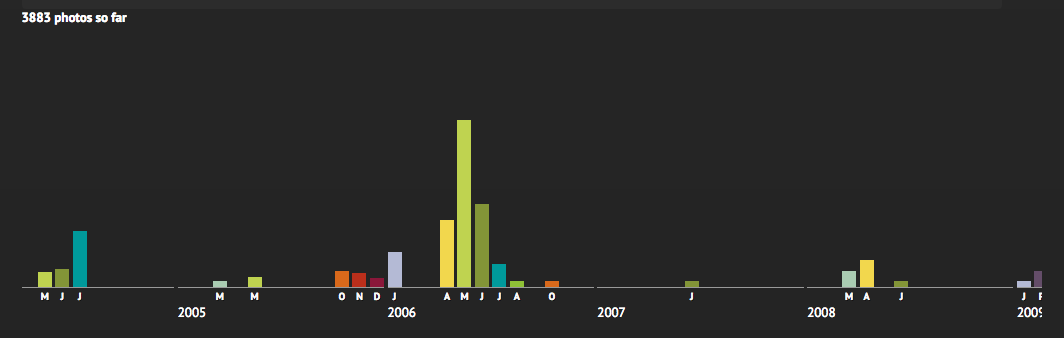
Timeline-based navigation by date
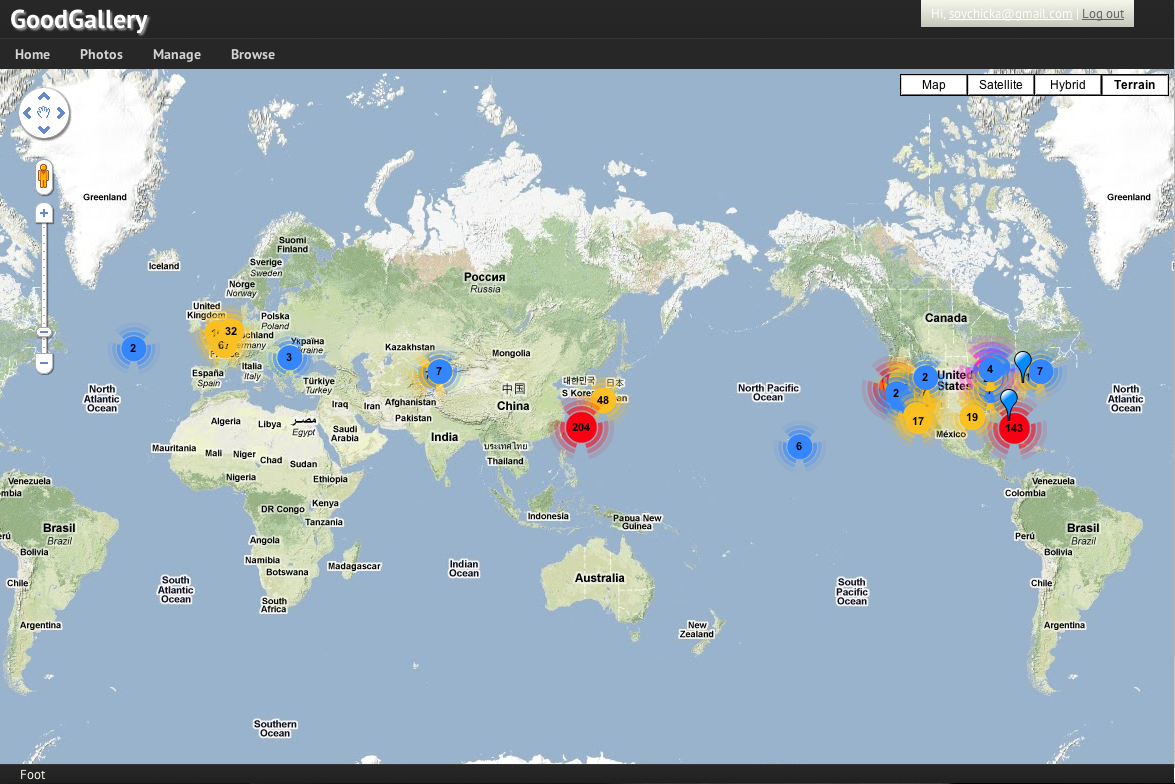
Map-based visualization
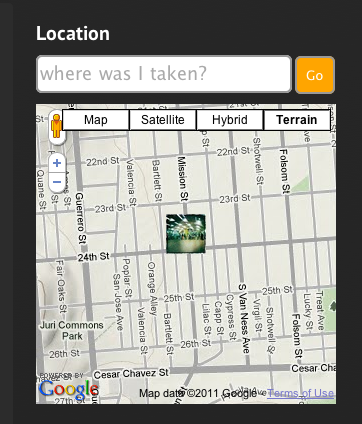
Update your location by searching for a place or dragging your photo to the appropriate location
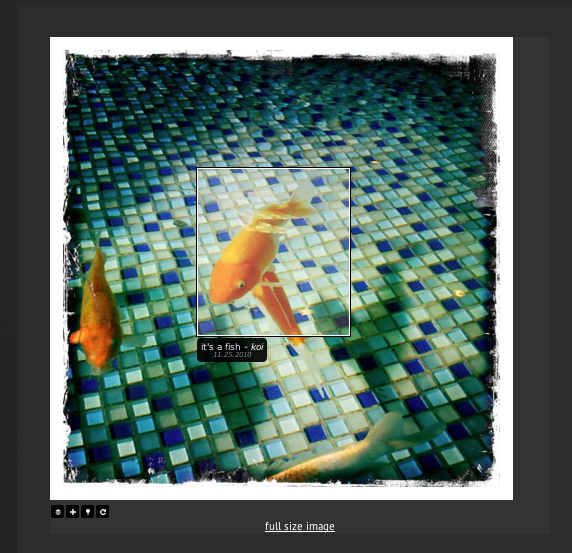
In-photo tagging of people and subjects
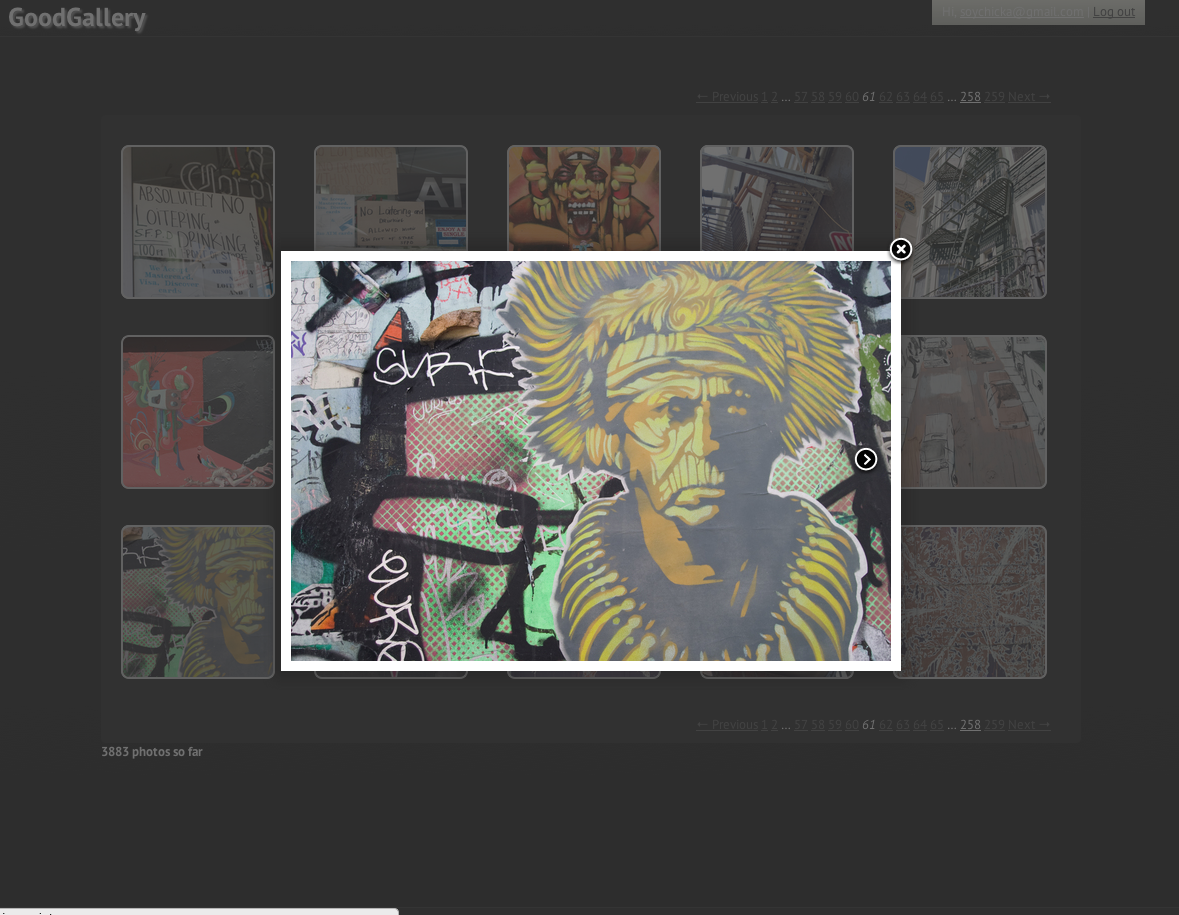
Preview images from the main gallery in a slideshow
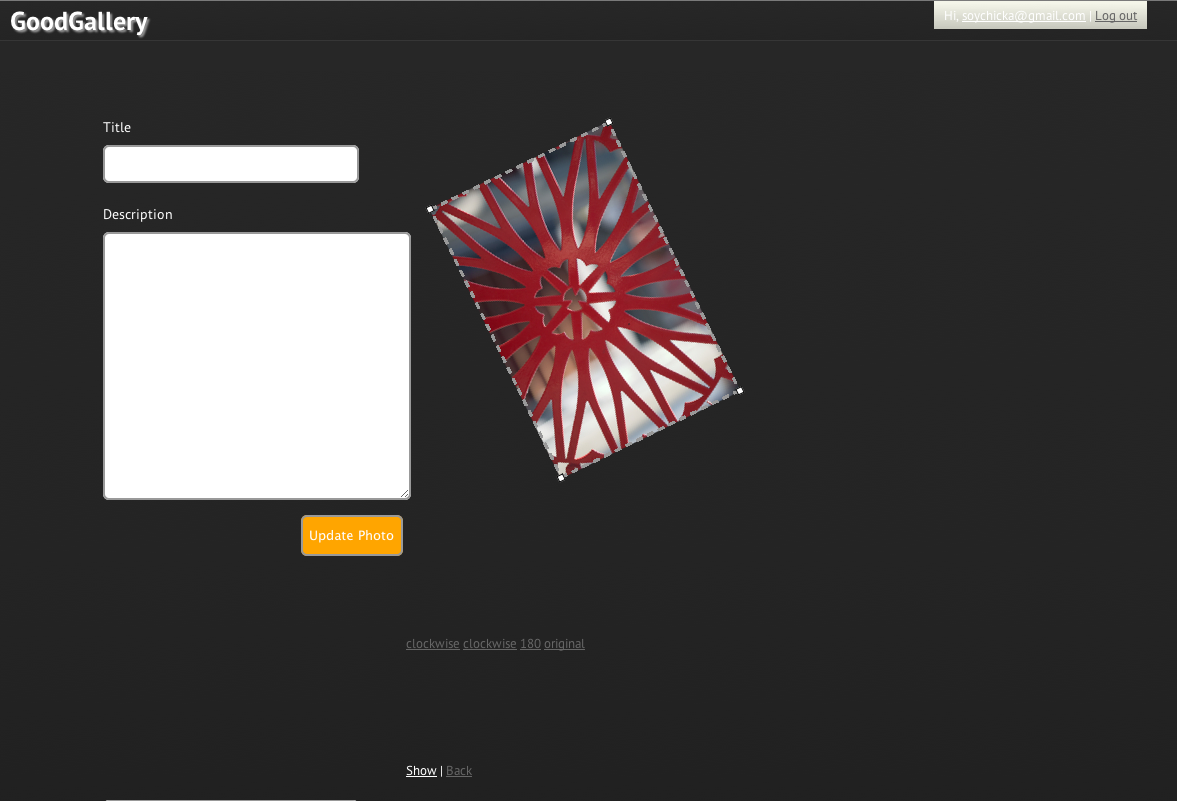
Rotate and crop images
Batch edit location, tags and visibility
View individual photographs with EXIF data and location displayed in context
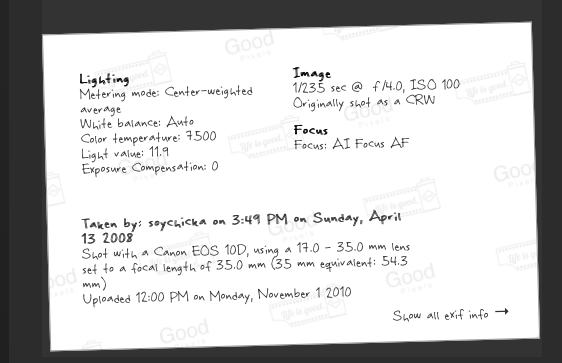
Basic shot info, scribbled on the back of the photo
And view full exif data.